



We all know that one day Google will stop supporting Huawei and probably that day is now. The first Huawei phone that ships without the Google Play Store / GMS is the Mate 30 Series Flagship.
I have compiled together all the most important Apps that I can think of to get your Mate 30 / 30 Pro started even without the Google Play Store in one Zip file.
These are the basic steps to enjoy the apps inside the ZIP File:
- Download the ZIP file to your Huawei Device
- Unzip it to a folder
- Use Files App to go thru the unzipped folder
- Install ONLY the apps that you need.
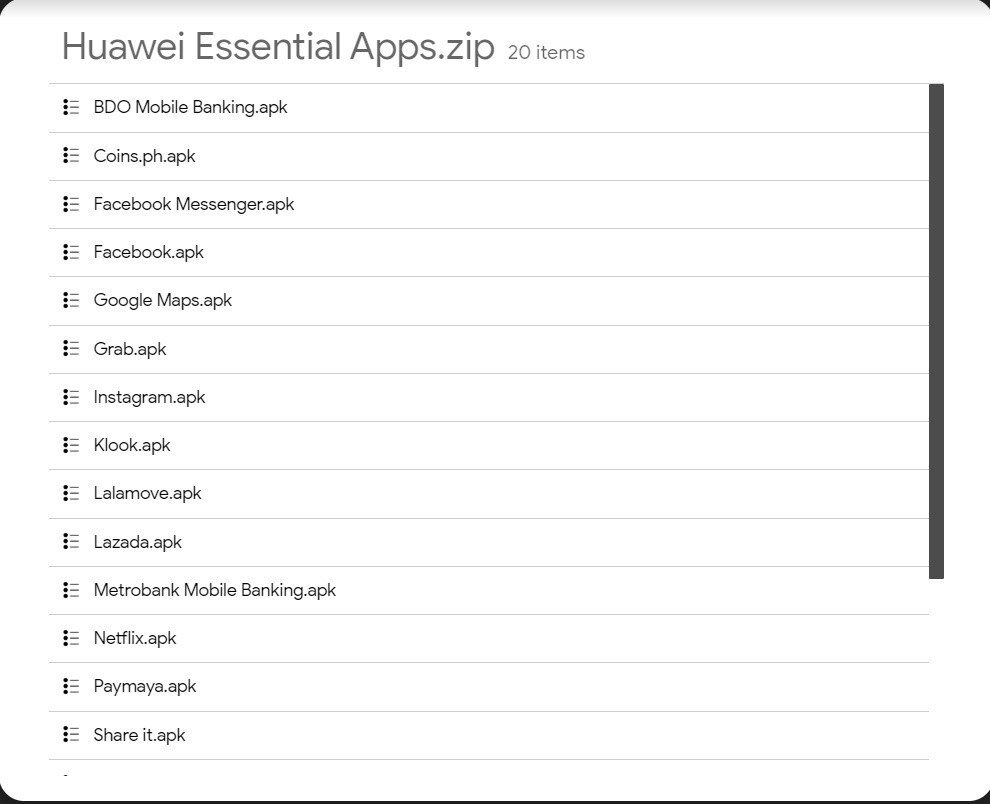
If your App Gallery prompt for an update on the apps, just allow it.
There is no need to install everything I have placed inside, this is just the basic ones, those not found here you can freely check it on the Huawei App Galllery or APK Pure from the native browser.
Hope you find my tutorial helpful. Please share to other Huawei Users.
You might also like


More from Featured
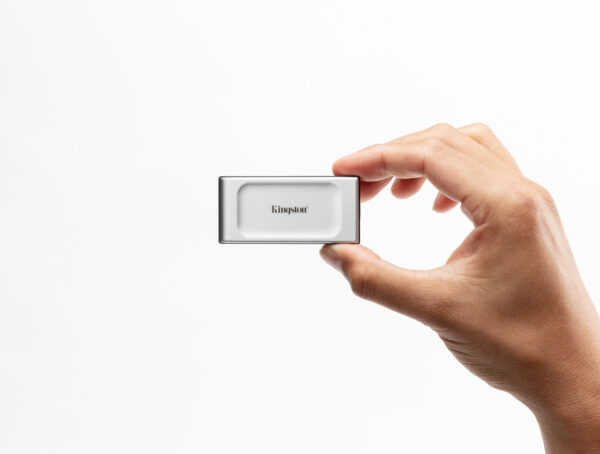
Perfect Gifting options for your Gadget-Loving Dad with Kingston Technology
Father’s Day is around the corner, and some cool thoughtful gifts will surely excite your dad and bring a smile …
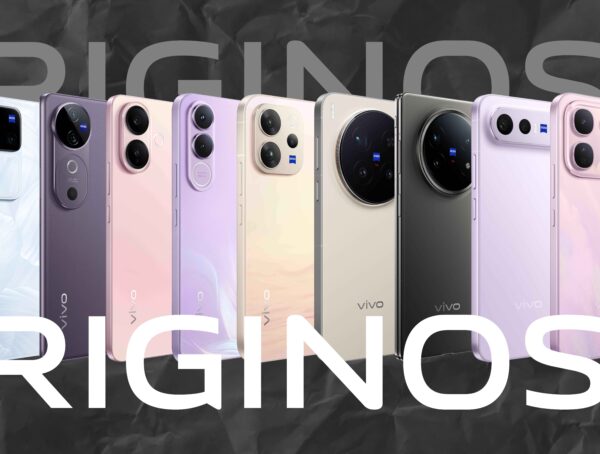
OriginOS 7 rollout for vivo phones set to begin in October

vivo is preparing to roll out OriginOS 7 to 19 smartphone models in the Philippines, with the first batch scheduled …

TECNO CAMON Slim 5G Pre-Order in the Philippines Offers ₱2M Cash Prize Pool, Free MagBadge and Up to ₱3,000 Off
The TECNO CAMON Slim 5G is now available for pre-order in the Philippines from October 2 to October 15, 2026, …
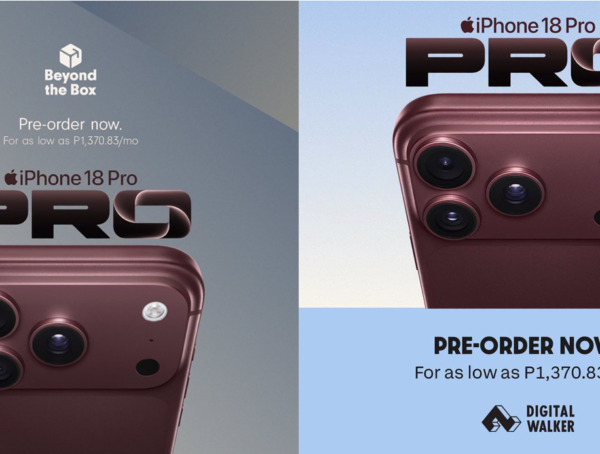
Get P22,000 worth of GUARANTEED FREEBIES When You Pre-order Your iPhone 18 Pro and Pro Max at Beyond The Box and Digital Walker
Apple enthusiasts can officially secure the all-new iPhone 18 Pro and iPhone 18 Pro Max as pre-orders go live across …