


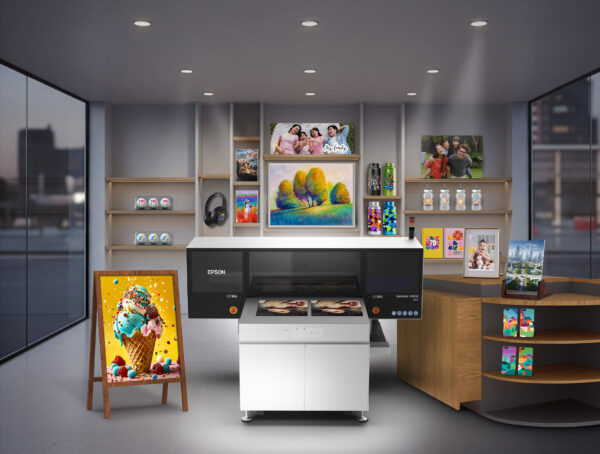
A name on a tote bag, a family photo on a mug, a one-off design on a shirt: personal touches are what make a gift worth keeping. Epson Craft Studio is Epson’s answer for the print shops and small businesses that want to sell those items without drowning in manual work. It’s an all-in-one subscription software suite that connects customer design, order management, production and printing in a single workflow.
Why personalized printing is hard to scale
Personalized merchandise sells because every piece is different. That’s also the problem. Each order can come with its own design, product variant and price, and every file has to be moved, checked and set up before it prints. A handful of orders a day is manageable by hand. Dozens, especially during the holiday rush, is where mistakes and delays creep in.
Epson’s pitch is simple: offering custom products isn’t enough. Shops need a workflow that makes personalization practical as order volumes grow.
What’s inside Epson Craft Studio
The suite is made up of four parts, each covering one stage of the job:
| Tool | What it does |
|---|---|
| Epson Craft Designer | Lets customers customize products with their own photos, using templates, frames, characters and stickers |
| Epson Craft Designer Admin | Lets store owners manage the product lineup: add or edit items and update prices |
| Production Flow | Manages incoming print jobs in real time, with printer selection and pre-registered print settings |
| Epson Print Hub | Centrally connects the workflow to compatible Epson large-format printers |
From phone photo to print queue
The customer side starts with a smartphone. Customers upload their photos and design their item in Epson Craft Designer, adding templates, frames, characters or stickers. On the shop side, Epson Craft Designer Admin keeps the catalog and pricing up to date.
Because both sit in the same workflow, a finished design goes straight into the shop’s print queue. There’s no need to download files, rename them or rebuild each job from scratch.
Production Flow and Print Hub: less setup per job
Production Flow shows every print job as it arrives and moves through production, and the list updates automatically. Operators pick the printer and choose from print settings they’ve already saved for different jobs.
Epson Print Hub then links everything to compatible Epson large-format printers. Settings chosen in Production Flow are applied automatically, so operators don’t have to set up the printer again for every single order. Less time checking settings and chasing files means more time for customers and the products themselves.
Built for smaller businesses
Space, equipment and a growing product range are real concerns for small shops thinking about custom merchandise. Craft Studio ties the design, merchandising and production software to compatible Epson printers, so the setup stays simpler.
Epson also says the workflow supports quick turnaround: depending on the job, a personalized item could be ready for same-day pickup. That’s a strong selling point for last-minute holiday gifts.
Price and availability
Epson’s release doesn’t list subscription prices, plans or a full printer compatibility list. To check compatibility or request a demo, Epson points businesses to its Epson Craft Studio page.
GadgetSideKick take
For small print shops in the Philippines, the real win here isn’t a new printer. It’s getting rid of the busywork between a customer’s idea and the finished product. If Craft Studio delivers on that, small gift and print shops could take on more custom orders without adding more manual work. We’d still like to see local pricing before calling it a must-have, but the timing, right before the Christmas gift rush, makes sense.
FAQ
What is Epson Craft Studio?
An all-in-one subscription software suite from Epson that connects product customization, merchandise management, print-job management and printing for personalized-item businesses.
What tools are included?
Epson Craft Designer, Epson Craft Designer Admin, Production Flow and Epson Print Hub.
Can customers design their own items?
Yes. They upload photos from their smartphones and customize products with templates, frames, characters and stickers in Epson Craft Designer.
Which printers does it work with?
Compatible Epson large-format printers, connected through Epson Print Hub. Epson’s Craft Studio page has the compatibility details.
How much does Epson Craft Studio cost?
Epson hasn’t shared pricing in the release.
Related: Printers & Office · Epson launches SureColor V4000 for growing businesses
You might also like
More from Printers & Office

Epson Fusion 17 Brings Sustainability Conversations to Discovery Samal, Davao City!

Against the backdrop of Samal Island’s sun-soaked shores and refreshing sea breeze, Epson Philippines Corporation gathered its media partners for …
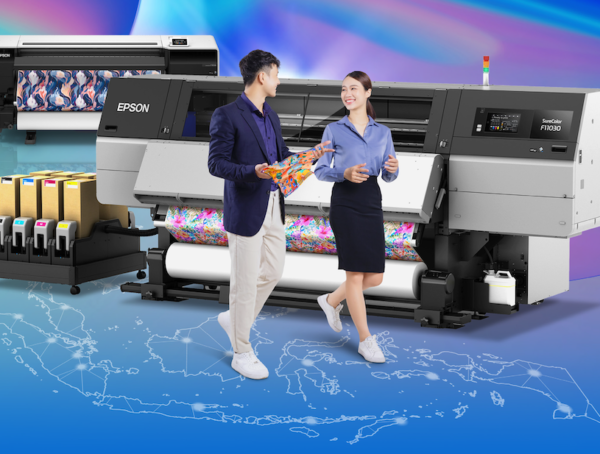
Epson–IDC Report Highlights Rapid Growth of Digital Textile Printing in Southeast Asia
Global printing technology leader Epson has released a new whitepaper in collaboration with market intelligence firm International Data Corporation (IDC), …
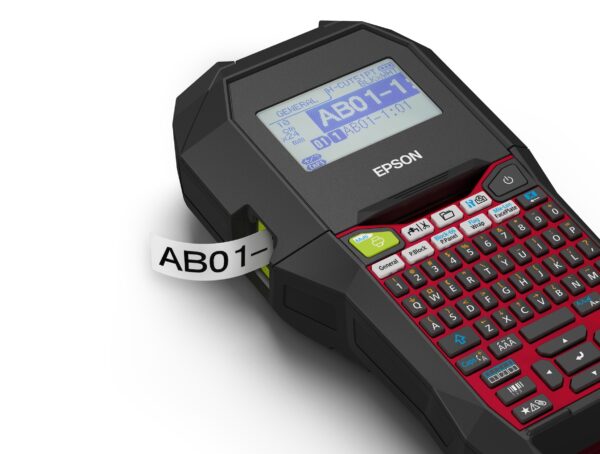
Epson Provides Precision Labeling Solutions; Making Logistics Easier and Better!
In logistics, every second matters. Each package represents a promise, and keeping that promise depends on speed, accuracy, and clear …